




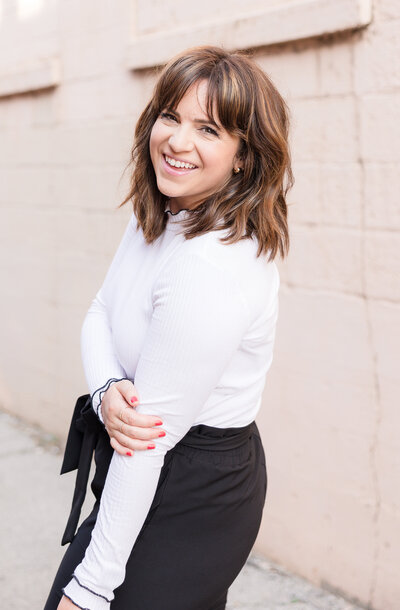
I’m thrilled to offer online galleries for my clients to easily view, share, and download your photos.
After your engagement session and, again, after your wedding when your photos are completed, you’ll receive an email with your gallery invitation. This gallery is for you to use both for your own viewing and also to show off your images to your friends and family. You may download your images (on your computer and also on your devices) and order prints and canvases directly through your gallery.
You may also use the free app to keep your entire gallery easily accessible on your phone and tag or organize your favorites for quick viewing.
For first time users, keep scrolling; this post will show you how to use it!
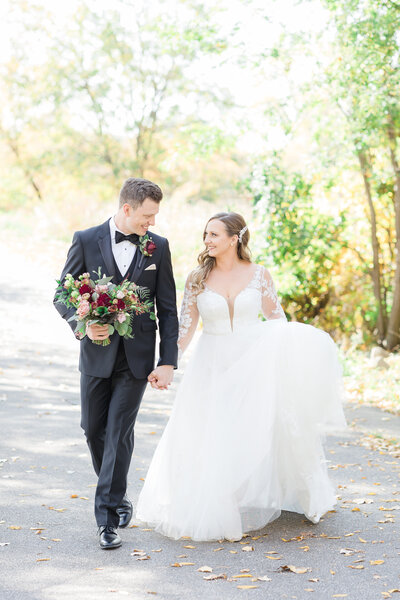
Here’s a gallery of some real clients (hi Hailey & Dominic!) and instructions on how to make the most of your own gallery.
OPENING YOUR GALLERY ON YOUR COMPUTER (continue scrolling for instructions for mobile devices)
To open your gallery, simply click on the link that I’ve included in the email I sent you. Your welcome screen will look something like this:

LOGGING IN
To enter the gallery, simply scroll down and you’ll see a login screen. If you’ve used Pic-Time in the past, you’ll be able to log in with your previous information. If you’re brand new, you can enter your information here.

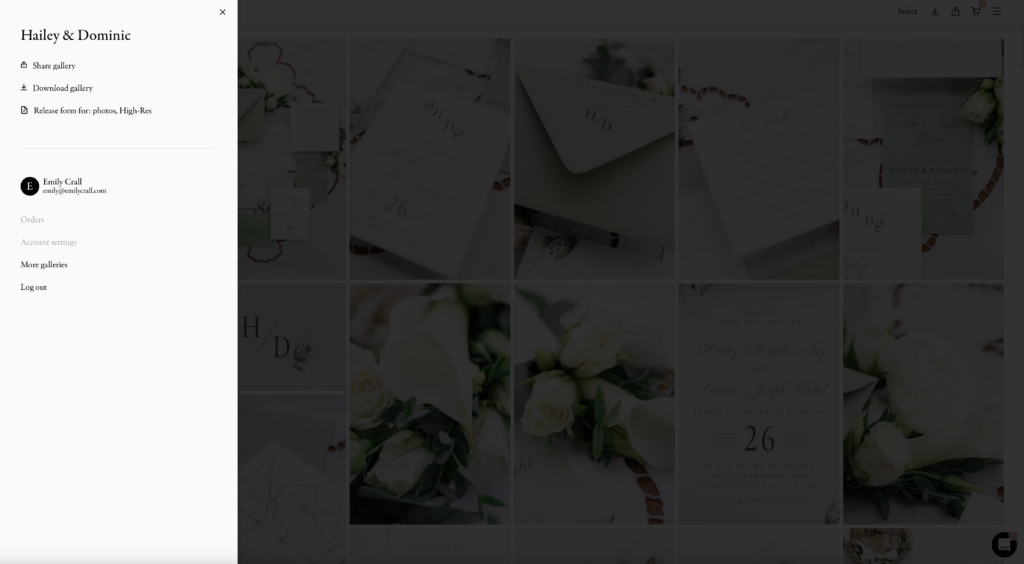
After you have successfully logged in, click the three menu bar lines in the upper right corner and you will see your name, email address, other galleries you might have (for example, an engagement session gallery + a wedding gallery), and order information. Sharing, downloading, and saving the print release are all accessed here as well.
VIEWING
The images that you see when the gallery first opens up are my favorite images, but there are (many) more for you to see! Along the top is a breakdown of the different collections to view. Click on a collection and it will open in the gallery area. When your wedding images are in the gallery, I break them down so they are easier to view. They are typically separated like, “Details & Prep”, “Wedding Party & Family”, “Ceremony”, etcetera.

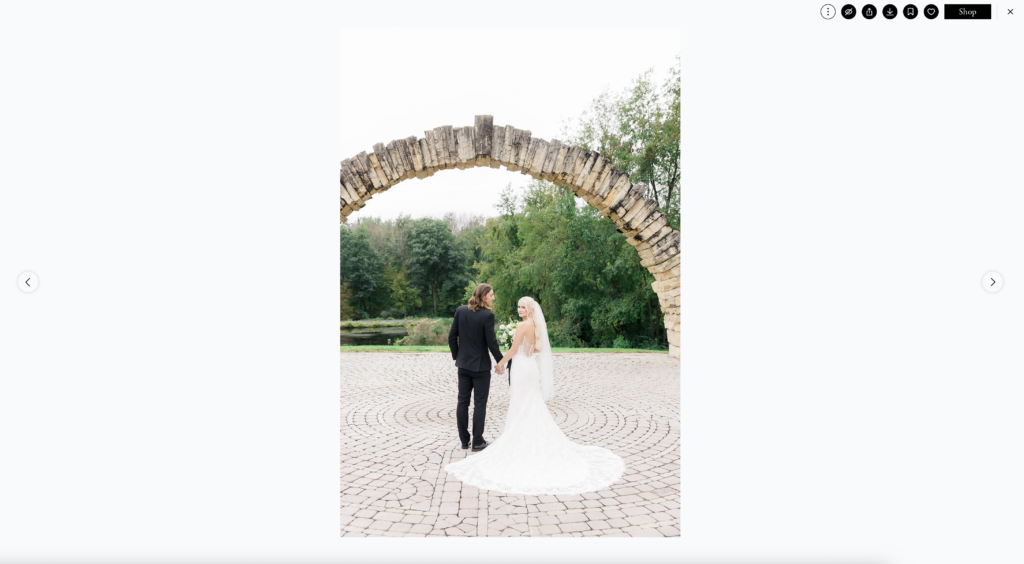
If you want to view your images one at a time or larger, click on an image and it will expand to fill the screen. To get back to the full gallery, click the X in the top right corner of the screen.
FAVORITES & COLLECTIONS
Since you are logged in and are viewing your images, you can mark your favorite images with the heart icon. You can also use the bookmark tool to create your own collections, like, “college friends” or “nieces/nephews.”
DOWNLOADING
When you are ready to download your images, it is really simple.
Download individual images by clicking on the specific photo you want, then clicking the download arrow.

Download your entire gallery at once by clicking on the menu bar and then selecting, “download gallery.” (To note: multiple image downloading only works on a computer. On your mobile devices, you can download individual images.) You get to choose your download option: select multiple images or download the full gallery. You can also download your favorites gallery or personal collections.

ORDERING PRODUCTS
If you’re interested in ordering professional prints, you can do that from within your gallery and your images will be delivered directly to your doorstep. This is the most affordable and efficient way to print your images professionally while also guaranteeing perfect color in your images. You are welcome to download and print elsewhere, but please be aware that doing so may result in discoloration in tones.
To order, simply select the product and size you’d like and you’ll be taken to the next screen where you can crop and add to your cart.

MOBILE DEVICE INSTRUCTIONS
To view your gallery on your mobile device, download the free Pic-Time app and login. You’ll instantly have your images with you everywhere you go!

After you log in, you will see your gallery. Everything looks similar to the desktop viewing so there are no surprises.

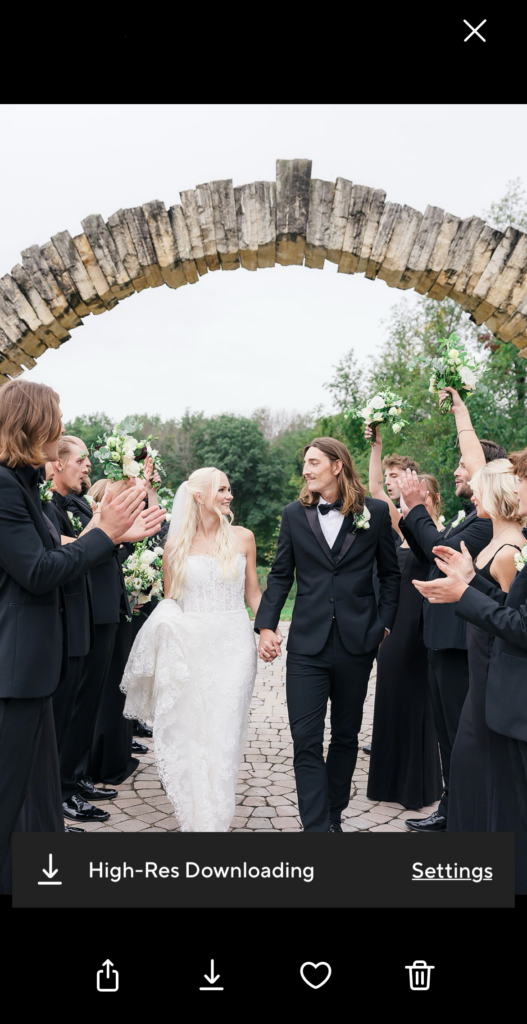
Tap on a photo to enlarge it and click the download arrow to save to your phone.





add a comment
+ COMMENTS